 capacitor-community/stripe
 ApplePay
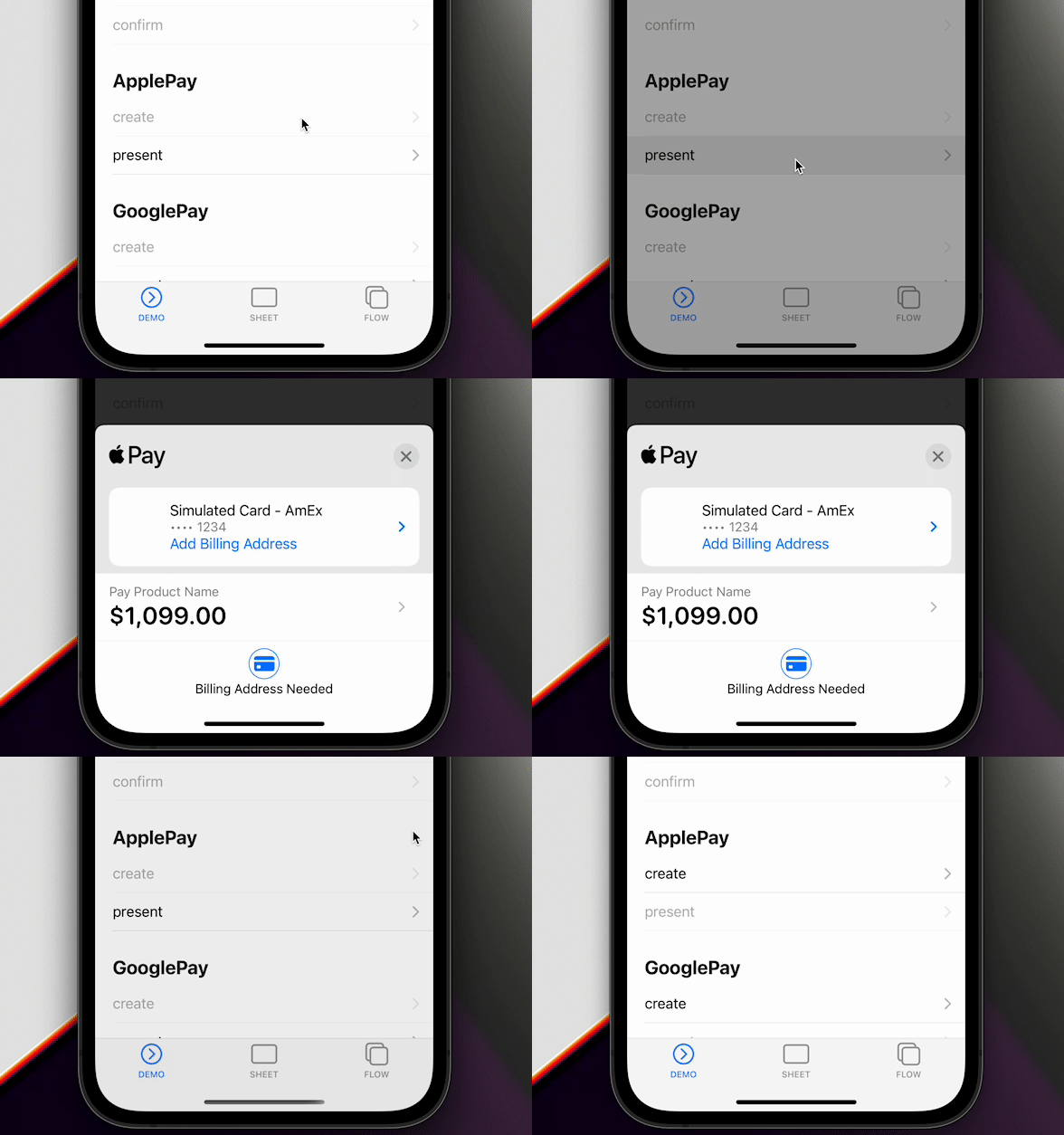
Apple Pay confirms a PaymentIntent in one presentation.
https://stripe.com/docs/apple-pay
Platform support
| Platform | Apple Pay |
|---|---|
| iOS | Native STPApplePayContext |
| Android | Not implemented |
| Web | Payment Request Button (stripe-pwa-elements) |
updateApplePaySheet and shipping contact updates run on iOS only. Web throws unimplemented for updateApplePaySheet. Android rejects isApplePayAvailable, createApplePay, and presentApplePay.
Prepare settings
- Register an Apple Merchant ID
- Create an Apple Pay certificate
- Enable Apple Pay in Xcode
https://stripe.com/docs/apple-pay#merchantid
createApplePay merchantIdentifier must be the same merchant ID registered in the Apple Developer account and Xcode. Do not pass merchantDisplayName here; that option belongs to PaymentSheet and PaymentFlow.
1. isApplePayAvailable
Check the device before you create a request. The promise resolves when Apple Pay is available and rejects otherwise.
import { ApplePayEventsEnum, Stripe } from '@capacitor-community/stripe';

try {
  await Stripe.isApplePayAvailable();
} catch {
  return;
}
method isApplePayAvailable()
isApplePayAvailable() => Promise<void>
2. createApplePay
Fetch a PaymentIntent client secret from your backend. See Server Integration. Then pass paymentIntentClientSecret, paymentSummaryItems, merchantIdentifier, countryCode, and currency.
import { firstValueFrom } from 'rxjs';

const { paymentIntent } = await firstValueFrom(
  this.http.post<{
    paymentIntent: string;
  }>(environment.api + 'intent', {}),
);

await Stripe.createApplePay({
  paymentIntentClientSecret: paymentIntent,
  paymentSummaryItems: [{
    label: 'Product Name',
    amount: 1099.00
  }],
  merchantIdentifier: 'merchant.com.getcapacitor.stripe',
  countryCode: 'US',
  currency: 'USD',
});
method createApplePay(...)
createApplePay(options: CreateApplePayOption) => Promise<void>
interface CreateApplePayOption
| Prop | Type |
|---|---|
paymentIntentClientSecret |
string |
paymentSummaryItems |
PaymentSummaryItem[] |
merchantIdentifier |
string |
countryCode |
string |
currency |
string |
requiredShippingContactFields |
('postalAddress' | 'phoneNumber' | 'emailAddress' | 'name')[] |
allowedCountries |
string[] |
allowedCountriesErrorDescription |
string |
requiredShippingContactFields asks Apple Pay for postal address, phone, email, or name. allowedCountries rejects shipping countries that are not in the list.
3. presentApplePay
const result = await Stripe.presentApplePay();
if (result.paymentResult === ApplePayEventsEnum.Completed) {
  // Update UI only. Confirm the Intent with a webhook before fulfilling.
}
method presentApplePay()
presentApplePay() => Promise<{ paymentResult: ApplePayResultInterface; }>
type alias ApplePayResultInterface
ApplePayEventsEnum.Completed | ApplePayEventsEnum.Canceled | ApplePayEventsEnum.Failed | ApplePayEventsEnum.DidSelectShippingContact | ApplePayEventsEnum.DidCreatePaymentMethod
Treat Canceled as cancellation and Failed as an error.
4. addListener
Register listeners at application startup. See Event Listeners.
Stripe.addListener(ApplePayEventsEnum.Completed, () => {
  console.log('ApplePayEventsEnum.Completed');
});
enum ApplePayEventsEnum
| Member | Value |
|---|---|
Loaded |
"applePayLoaded" |
FailedToLoad |
"applePayFailedToLoad" |
Completed |
"applePayCompleted" |
Canceled |
"applePayCanceled" |
Failed |
"applePayFailed" |
DidSelectShippingContact |
"applePayDidSelectShippingContact" |
DidCreatePaymentMethod |
"applePayDidCreatePaymentMethod" |
5. updateApplePaySheet
On iOS, DidSelectShippingContact includes contact and updateId. Recalculate totals and call updateApplePaySheet with that updateId. If JavaScript does not respond, the native sheet falls back to the original summary items after 25 seconds.
Stripe.addListener(ApplePayEventsEnum.DidSelectShippingContact, async (data) => {
  await Stripe.updateApplePaySheet({
    updateId: data.updateId,
    paymentSummaryItems: [
      { label: 'Product Name', amount: 1099.00 },
      { label: 'Shipping', amount: 500.00 },
      { label: 'Total', amount: 1599.00 },
    ],
  });
});
method updateApplePaySheet(...)
updateApplePaySheet(options: { updateId: string; paymentSummaryItems: PaymentSummaryItem[]; }) => Promise<void>
interface DidSelectShippingContact
| Prop | Type |
|---|---|
contact |
ShippingContact |
updateId |
string |
interface PaymentSummaryItem
| Prop | Type |
|---|---|
label |
string |
amount |
number |
DidCreatePaymentMethod includes the shipping contact after Apple creates the payment method. Apple does not return the full address until a successful payment.
interface DidCreatePaymentMethod
| Prop | Type |
|---|---|
contact |
ShippingContact |
interface ShippingContact
| Prop | Type | Description |
|---|---|---|
givenName |
string |
Apple Pay only |
familyName |
string |
Apple Pay only |
middleName |
string |
Apple Pay only |
namePrefix |
string |
Apple Pay only |
nameSuffix |
string |
Apple Pay only |
nameFormatted |
string |
Apple Pay only |
phoneNumber |
string |
Apple Pay only |
nickname |
string |
Apple Pay only |
street |
string |
Apple Pay only |
city |
string |
Apple Pay only |
state |
string |
Apple Pay only |
postalCode |
string |
Apple Pay only |
country |
string |
Apple Pay only |
isoCountryCode |
string |
Apple Pay only |
subAdministrativeArea |
string |
Apple Pay only |
subLocality |
string |
Apple Pay only |
Reference
import { firstValueFrom } from 'rxjs';
import { ApplePayEventsEnum, Stripe } from '@capacitor-community/stripe';

(async () => {
  try {
    await Stripe.isApplePayAvailable();
  } catch {
    return;
  }

  Stripe.addListener(ApplePayEventsEnum.Completed, () => {
    console.log('ApplePayEventsEnum.Completed');
  });

  // Connect to your backend endpoint, and get paymentIntent.
  const { paymentIntent } = await firstValueFrom(this.http.post<{
    paymentIntent: string;
  }>(environment.api + 'intent', {}));

  // Prepare Apple Pay
  await Stripe.createApplePay({
    paymentIntentClientSecret: paymentIntent,
    paymentSummaryItems: [{
      label: 'Product Name',
      amount: 1099.00
    }],
    merchantIdentifier: 'merchant.com.getcapacitor.stripe',
    countryCode: 'US',
    currency: 'USD',
  });

  // Present Apple Pay
  const result = await Stripe.presentApplePay();
  if (result.paymentResult === ApplePayEventsEnum.Completed) {
    // Happy path
  }
})();